


Share


Free Shipping
Free standard shipping
Free Shipping
Free Returns
Free Returns
📦 Shipping Policy – The Gadget Tree
1. Order Processing
We process all orders within 1–3 business days (excluding weekends and holidays). Once your order is packed and shipped, you’ll receive a confirmation email with tracking details.
2. Shipping Methods & Delivery Time
We offer fast and reliable shipping via trusted carriers: standard, expedited, and express options where available.
Standard Shipping: 5–10 business days
Expedited Shipping: 2–5 business days
(Delivery times may vary based on your location and chosen shipping method.)
3. Shipping Costs
Shipping costs are calculated at checkout based on your delivery address, order weight, and chosen delivery speed. Occasional promotions (e.g., free shipping on orders over a set amount) may apply.
4. International Shipping
We ship to most countries worldwide. International delivery times and costs vary by region.
Import duties, taxes, or customs fees may apply depending on your country and are the customer’s responsibility.
5. Tracking Your Order
Once your order is shipped, you’ll receive a tracking number via email. Use this to track your package from dispatch to delivery.
6. Delivery Issues / Delays
If your shipment is delayed or shows delivery exceptions, please contact our support team. External factors such as weather, customs, or courier logistics may affect delivery times.
7. Lost or Damaged Packages
If your package is lost or arrives damaged, please contact us immediately with your order number and photos (if applicable). We’ll assist in filing claims or offering replacements per our policies.
8. Customer Support
For any shipping questions, reach us at:
📧 support@thegadgettree.com
Product Description
Description:
How to complete the first connection with Switch
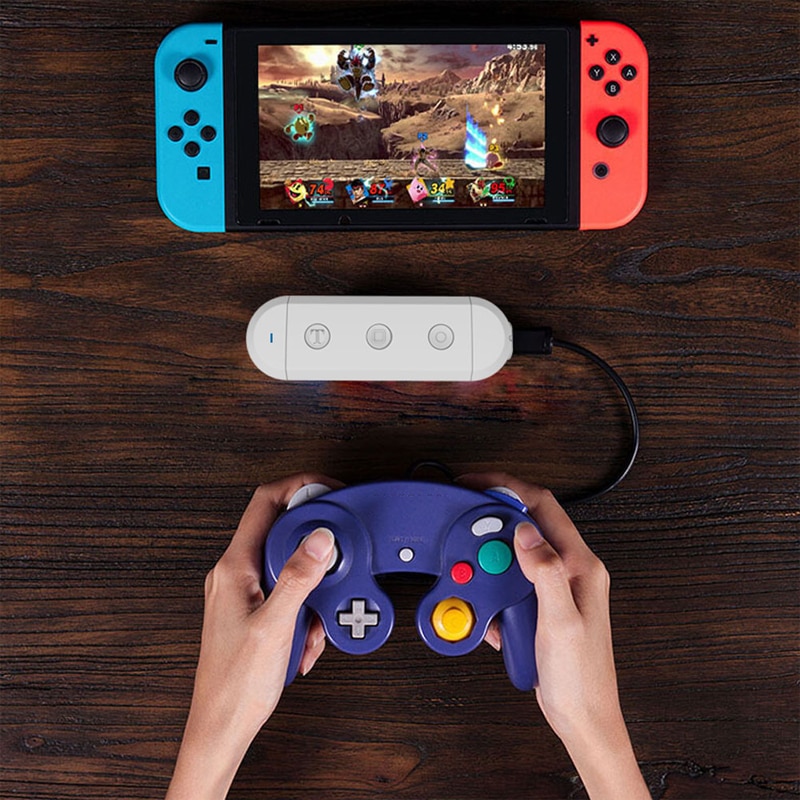
1.Connect your wired controller to the Adapter
2.Go into Nintendo Switch's controller pair settings
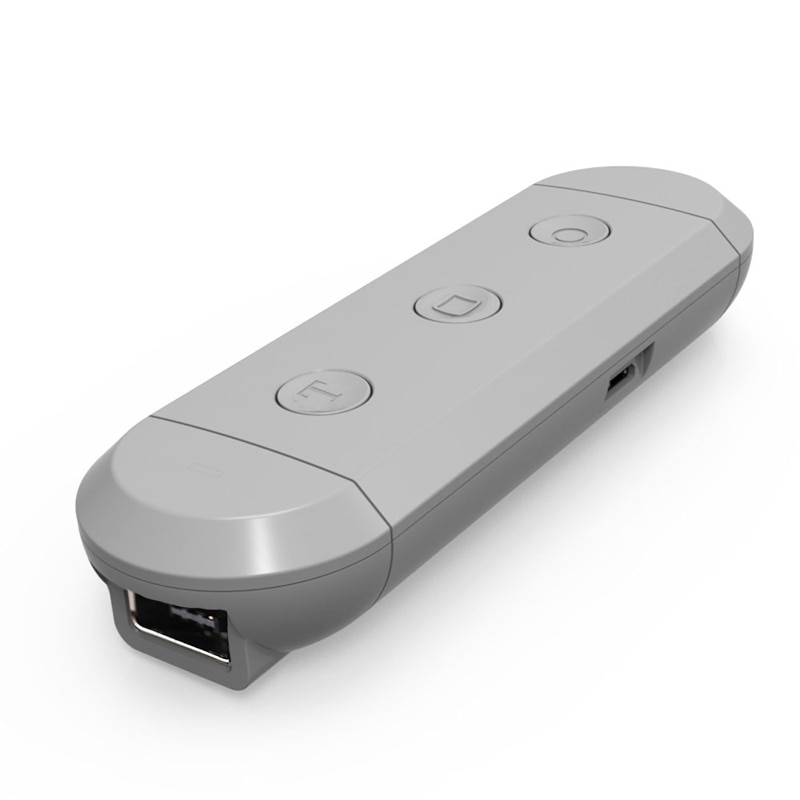
3.Press and hold the [s] button on the side of Adapter,then press [HOME] Button on the Adapter
4.Adapter enter into Pair Mode,LED light should quickly flash
5.LED will become solid when connection is successful
How to wake up your controller on switch
After the controller has completed the first connection, the next time you want play with this controller you should wake up it.
1.Turn on your Switch
2.Connect your wired controller to the Adapter
3.Press and Hold the [HOME] Button on the Adapter for 3 seconds
4.Adapter enter into Pair Mode ,LED light should quickly flash
5.LED will become solid when connection is successful
How to complete the first connection with PC
1.Connect your wired controller to the Adapter
2.Go into Widows device's Bluetooth settings,Enable Bluetooth Settings pair with [JYS SX Adapter]
3.Press and hold the [p] button on the side of Adapter,then press [HOME] Button on the Adapter
4.Adapter enter into Pair Mode,LED light should quickly flash
5.LED will become solid when connection is successful
How to wake up your controller on PC
1.Turn on your PC and Enable PC's Bluetooth Settings
2.Connect your wired controller to the Adapter
3.Press and Hold the [HOME] Button on the Adapter for 3 seconds
4.Adapter enter into Pair Mode ,LED light should quickly flash
5. LED will become solid when connection is successful
Details:
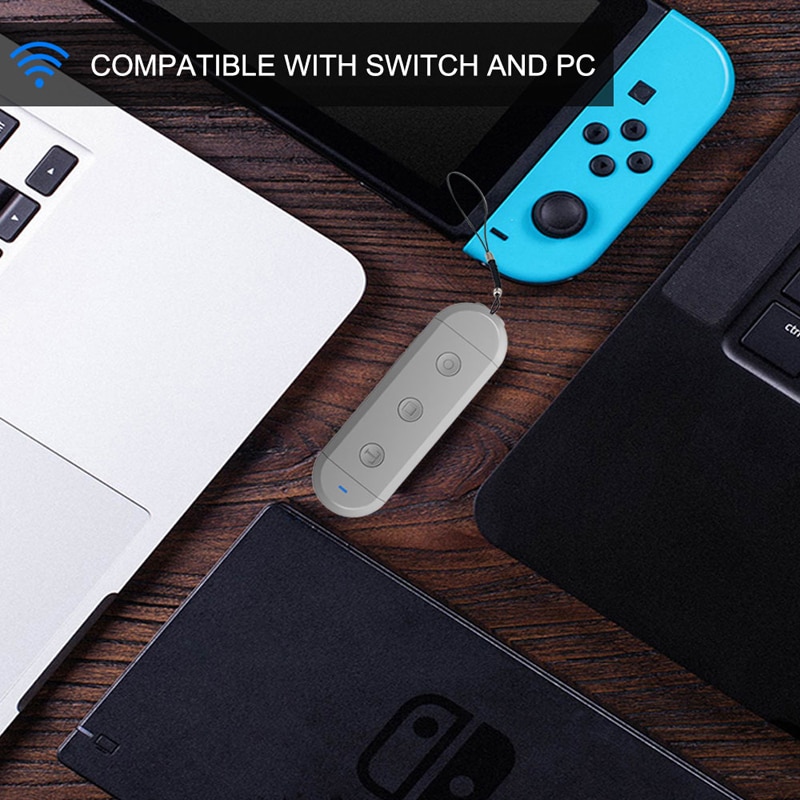
- Product usage:Support Wii , PC, Nintendo Switch with the GC controller or Wavebird controller. Just Switch the button "S/P" located on the side.
- Applicable handle:Play your Switch with your original wired controllers like Gamecube, NES, SNES, SFC Classic Edition and Wii Classic.
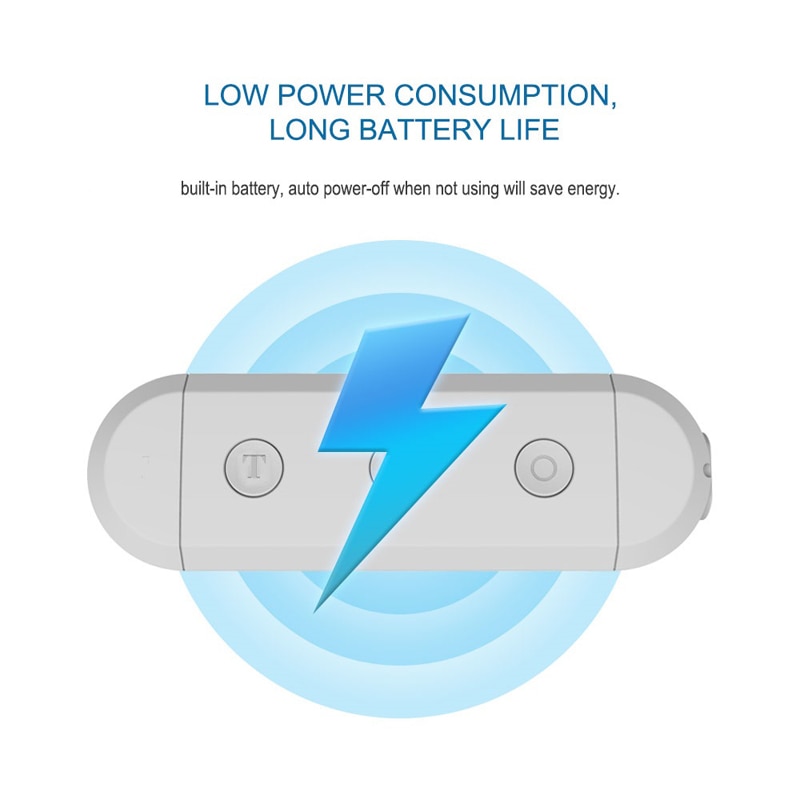
- Powerful power support:The product comes with a 400 mAh lithium, battery up to 12 hours of use,USB Cable charging port allows you to use your original USB Cable adapter to charge your controller.
Package included:
1 x Wireless Adapter
1 x USB Charging Cable
1 x Instruction